ASSET REGISTER
A list of all assets which can be as simple or detailed as you like. All assets entered into other categories such as emergency lights or motors,
will automatically appear in the asset register on the asset controller portal. Filtering options allow for easy search of assets, repairs and warranty tracking.

LOGBOOKS
A logbook is used to record a list assets or devices such as emergency lights, RCD’s or appliances with details such as fitting number, type of asset or device, distribution board if applicable, location and even the make and model. Before Know Your Asset, these were generally physical paper books or spreadsheets.

THERMAL IMAGING
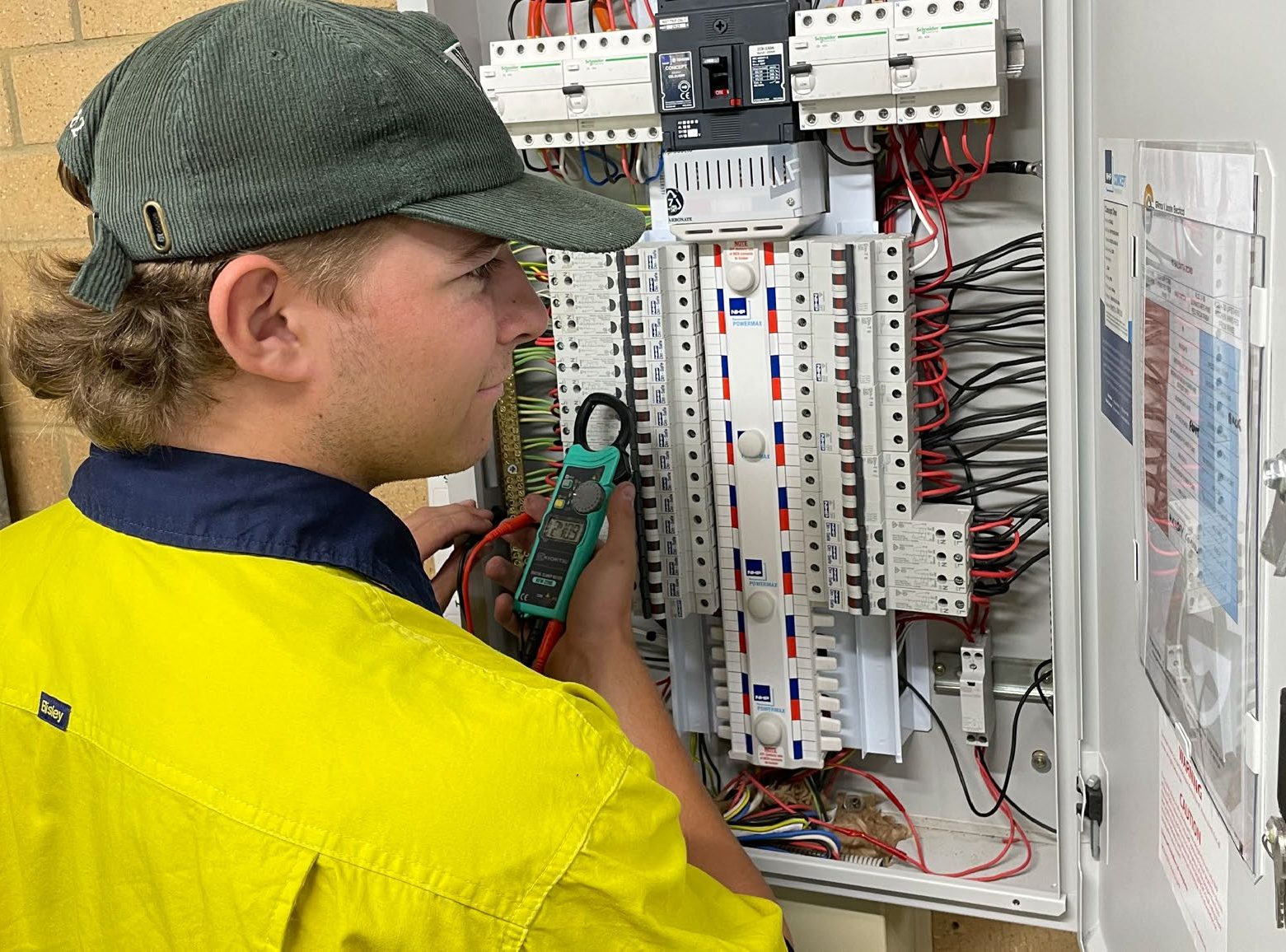
Thermal imaging is conducted by serviced
providers (licensed electricians) using an infrared camera to record and measure temperature differentiations. The service provider will provide a Thermal Image Report with the thermal images and measurements recorded.
Know Your Asset can’t do the thermal imaging and reports for you, but it certainly can store all your reports in one place, accessible to any nominated user in real time.

REPORTS
Know Your Asset report function offers wide range of options to produce reports such as test results, repairs and warranties. Full filtering capabilities allows you delve into reports deeper by date or specific features

ASSET MANAGER
The key person that registers a premises
or installation on the web portal who is
responsible for testing and maintaining the asset.
USER
Person approved by the asset controller to view or use features on the asset controller portal.
SERVICE PROVIDER
Licensed electrician engaged by the asset
controller to carry out testing and maintenance to the assets.
DISTRIBUTION BOARD
Electrical panel or box that contains fuses, circuit breakers, RCD’s and terminals for all electrical circuit wiring. The larger the premises or installation, the more distribution boards you would likely have
APPLIANCE
Any electrical device that plugs into a power point or electrical outlet i.e. an electrical device that is portable and can be plugged in anywhere.
BUSINESS NUMBER
The business registration number for a
company as issued and recognised by the
government in the country of registration for the company.
THERMAL IMAGING
Thermal imaging is conducted by serviced
providers (licensed electricians) using an infrared camera to record and measure temperature differentiations. The service provider will provide a Thermal Image Report with the thermal images and measurements recorded.
Know Your Asset can’t do the thermal imaging and reports for you, but it certainly can store all your reports in one place, accessible to any nominated user in real time.
REPORTS
Know Your Asset report function offers wide range of options to produce reports such as test results, repairs and warranties. Full filtering capabilities allows you delve into reports deeper by date or specific features
ASSET MANAGER
The key person that registers a premises
or installation on the web portal who is
responsible for testing and maintaining the asset.
USER
Person approved by the asset controller to view or use features on the asset controller portal.
SERVICE PROVIDER
Licensed electrician engaged by the asset
controller to carry out testing and maintenance to the assets.
DISTRIBUTION BOARD
Electrical panel or box that contains fuses, circuit breakers, RCD’s and terminals for all electrical circuit wiring. The larger the premises or installation, the more distribution boards you would likely have
APPLIANCE
Any electrical device that plugs into a power point or electrical outlet i.e. an electrical device that is portable and can be plugged in anywhere.
BUSINESS NUMBER
The business registration number for a
company as issued and recognised by the
government in the country of registration for the company.